
인터넷으로 잇는 근거리 무선통신
LOCAL WIRELESS, OVER THE INTERNET
멀리 떨어진 친구와
근거리 무선통신을 즐겨보세요.
Far apart.
Playing together.
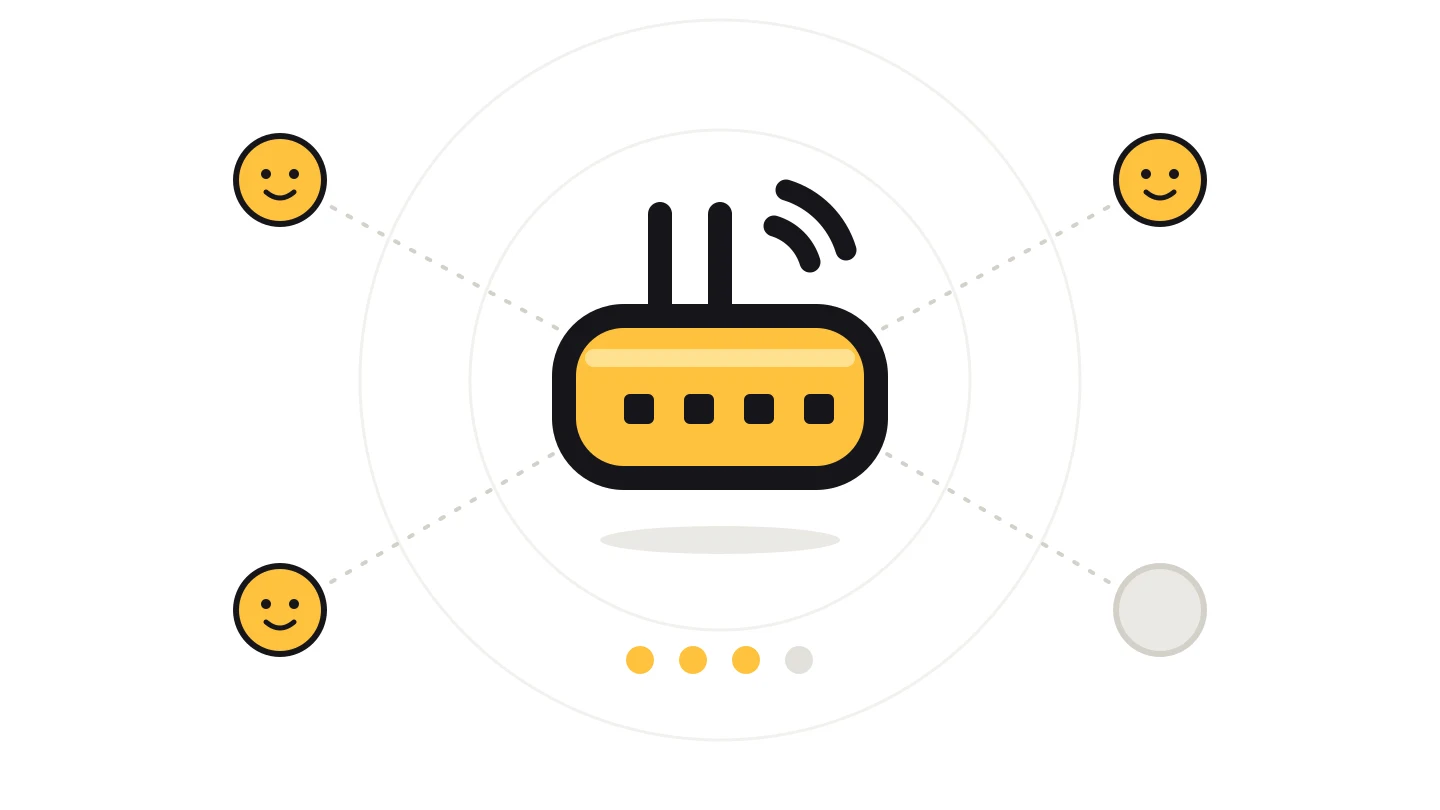
PotLuck은 스위치의 근거리 무선통신을 이 중계 서버로 이어 줍니다. 멀리 있는 친구와도 바로 옆에 있는 것처럼 방을 만들고 함께 플레이할 수 있습니다.
PotLuck carries the Switch's local wireless play through this relay. Host and join local wireless rooms with friends who are nowhere near you.
직접 운영하는 중계 서버 · 별도 설정 없이 사용 · 한국어와 영어 지원
Self-hosted relay · Works out of the box · Korean and English
서버 주소를 누르면 복사됩니다. 포트는 기본값 30456을 그대로 쓰면 됩니다.
Tap the server address to copy it. Keep the default port 30456.
POTLUCK / LIVE
지금 이 서버에
열려 있는 방입니다.
Rooms open
on this relay now.
- 방ROOMS
- -
- 플레이어PLAYERS
- -
암호가 걸린 방은 인원만 보여 주고 닉네임은 표시하지 않습니다.
Rooms with a passphrase show only their size, never player names.
지금 열려 있는 방이 없습니다. 먼저 방을 만들어 보세요.No rooms are open right now. Be the first to host one.
방 목록을 불러오지 못했습니다. 잠시 후 다시 시도합니다.Could not load the room list. Trying again shortly.
GET STARTED
설치하고 주소만 넣으면
바로 시작할 수 있습니다.
One install. One address.
Start here.
설치 도우미를 받습니다.Get the installer.
최신 릴리스에서 potluck-installer.nro를 받아 SD 카드의 switch/ 폴더에 넣습니다.
Put potluck-installer.nro from the latest release in the switch/ folder on your SD card.
최신 릴리스Latest release설치한 뒤 본체를 다시 시작합니다.Install and restart.
홈브루 메뉴에서 설치 도우미를 실행해 설치하고, 본체를 다시 시작합니다.
Open the installer from the Homebrew Menu, install, then restart the console.
서버 주소를 넣고 플레이합니다.Set the server and play.
설치 도우미나 오버레이에서 서버 주소를 ldn.opencourse.kr로 설정합니다. 이제 게임의 로컬 통신 메뉴에서 방을 만들거나 찾으면 이 서버를 통해 연결됩니다.
Set the server to ldn.opencourse.kr in the installer or the overlay. Then host or search from the game's local wireless menu, and play goes through this relay.
ldn.opencourse.kr:30456TCP / LDN홈브루를 실행할 수 있는 본체가 필요합니다. 서로의 방을 보려면 함께하는 사람 모두 같은 서버를 써야 합니다.
You need a console that can run homebrew. Everyone you play with must use the same server to see each other's rooms.